PINE LIBRARY
azLibKnn - PV
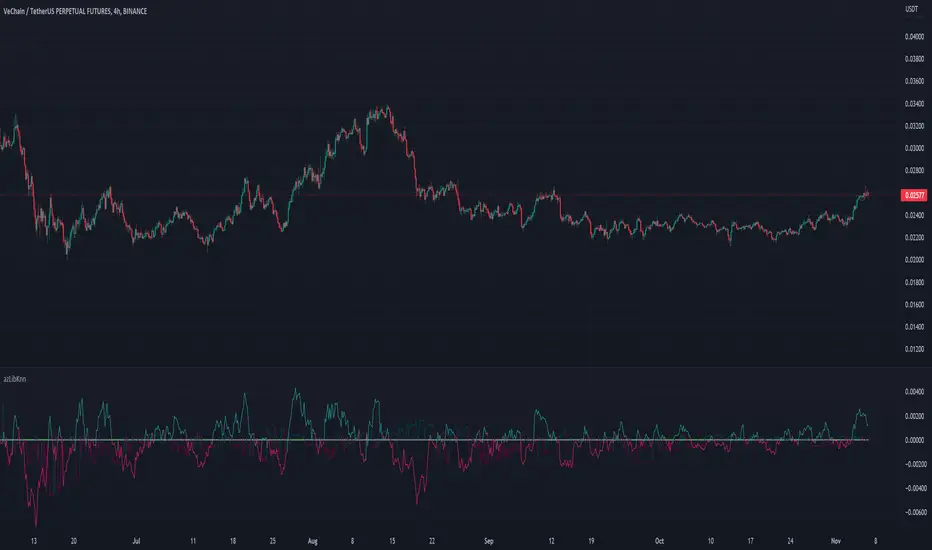
Library "azLibKnn"
Provides functions to use a classification algorithm (KNN) to make classifications or predictions about the grouping of an individual data point.
featurize(src, flb, clb)
Adapts the given source into a KNN Feature based on the feature and classification lookback settings.
Parameters:
src: (series float) Source. The value series to calculate the feature from.
flb: (simple int) Optional. Feature Lookback. Specify how many periods to include from the source series. Default is 1.
clb: (simple int) Optional. Classification Lookback. Specify which periods to include from the source series. Default is 1.
Returns: (series float) Calculated feature value. In this case the average source value in the feature lookback period.
classify(srcOpen, srcClose, clb, cb, summarize)
Get calculated classification from given open and close price sources based on classification lookback and base settings.
Parameters:
srcOpen: (series float) Source Open Prices. The open price series to be used in the classification calculation.
srcClose: (series float) Source Close Prices. The close price series to be used in the classification calculation.
clb: (simple int) Optional. Classification Lookback. Specify which periods to include from the source series. Default is 1.
cb: (simple string) Optional. Classification Base. Specify how to calculate the classification. Default is 'PRICEDIFF'.
summarize: (simple bool) Optional. Summarize. Specify if the classification needs to be summarized to 0 (NEUTRAL), 1 (BULL), -1 (BEAR) or that the raw classification value needs to be used. Default is false (raw value).
Returns: (series float) Calculated (optionally summarized) classification value.
train(features1, features2, classifications, f1, f2, c, max, maxMode)
Stores the combination of features and classification to the KNN Model.
Parameters:
features1: (series array<float>) Id of Features 1 array.
features2: (series array<float>) Id of Features 2 array.
classifications: (series array<float>) Id of Classifications array.
f1: (series float) New Feature 1 value to add to the model.
f2: (series float) New Feature 2 value to add to the model.
c: (series float) New Classification value to add to the model.
max: (simple int) Optional. Specify the maximum model size. Default is 240.
maxMode: (simple string) Optional. Specifies the mode to use when the model reaches the maximum size. Default is FIFO.
predict(features1, features2, classifications, p1, p2, k)
Make a prediction based on parameter 1 and parameter 2, finding k nearest neighbours and use their classifications
Parameters:
features1: (series array<float>) Id of Features 1 array.
features2: (series array<float>) Id of Features 2 array.
classifications: (series array<float>) Id of Classifications array.
p1: (series float) Parameter 1 value to calculate distances from.
p2: (series float) Parameter 2 value to calculate distances from.
k: (simple int) Optional. Specify k nearest neighbours. Use odd value to avoid draw decissions. Default is 27.
Provides functions to use a classification algorithm (KNN) to make classifications or predictions about the grouping of an individual data point.
featurize(src, flb, clb)
Adapts the given source into a KNN Feature based on the feature and classification lookback settings.
Parameters:
src: (series float) Source. The value series to calculate the feature from.
flb: (simple int) Optional. Feature Lookback. Specify how many periods to include from the source series. Default is 1.
clb: (simple int) Optional. Classification Lookback. Specify which periods to include from the source series. Default is 1.
Returns: (series float) Calculated feature value. In this case the average source value in the feature lookback period.
classify(srcOpen, srcClose, clb, cb, summarize)
Get calculated classification from given open and close price sources based on classification lookback and base settings.
Parameters:
srcOpen: (series float) Source Open Prices. The open price series to be used in the classification calculation.
srcClose: (series float) Source Close Prices. The close price series to be used in the classification calculation.
clb: (simple int) Optional. Classification Lookback. Specify which periods to include from the source series. Default is 1.
cb: (simple string) Optional. Classification Base. Specify how to calculate the classification. Default is 'PRICEDIFF'.
summarize: (simple bool) Optional. Summarize. Specify if the classification needs to be summarized to 0 (NEUTRAL), 1 (BULL), -1 (BEAR) or that the raw classification value needs to be used. Default is false (raw value).
Returns: (series float) Calculated (optionally summarized) classification value.
train(features1, features2, classifications, f1, f2, c, max, maxMode)
Stores the combination of features and classification to the KNN Model.
Parameters:
features1: (series array<float>) Id of Features 1 array.
features2: (series array<float>) Id of Features 2 array.
classifications: (series array<float>) Id of Classifications array.
f1: (series float) New Feature 1 value to add to the model.
f2: (series float) New Feature 2 value to add to the model.
c: (series float) New Classification value to add to the model.
max: (simple int) Optional. Specify the maximum model size. Default is 240.
maxMode: (simple string) Optional. Specifies the mode to use when the model reaches the maximum size. Default is FIFO.
predict(features1, features2, classifications, p1, p2, k)
Make a prediction based on parameter 1 and parameter 2, finding k nearest neighbours and use their classifications
Parameters:
features1: (series array<float>) Id of Features 1 array.
features2: (series array<float>) Id of Features 2 array.
classifications: (series array<float>) Id of Classifications array.
p1: (series float) Parameter 1 value to calculate distances from.
p2: (series float) Parameter 2 value to calculate distances from.
k: (simple int) Optional. Specify k nearest neighbours. Use odd value to avoid draw decissions. Default is 27.
파인 라이브러리
트레이딩뷰의 진정한 정신에 따라, 작성자는 이 파인 코드를 오픈소스 라이브러리로 게시하여 커뮤니티의 다른 파인 프로그래머들이 재사용할 수 있도록 했습니다. 작성자에게 경의를 표합니다! 이 라이브러리는 개인적으로 사용하거나 다른 오픈소스 게시물에서 사용할 수 있지만, 이 코드의 게시물 내 재사용은 하우스 룰에 따라 규제됩니다.

🔗 Explore and learn about connectable indicators on Azullian: azullian.com
🔗 Check out how it works: youtu.be/gPNz0XiZl38
🔗 Strategy plus demo: youtu.be/jRpvt_ZdIOg
🔗 Join our discord: discord.com/invite/vT7AqmE
🔗 Check out how it works: youtu.be/gPNz0XiZl38
🔗 Strategy plus demo: youtu.be/jRpvt_ZdIOg
🔗 Join our discord: discord.com/invite/vT7AqmE
면책사항
해당 정보와 게시물은 금융, 투자, 트레이딩 또는 기타 유형의 조언이나 권장 사항으로 간주되지 않으며, 트레이딩뷰에서 제공하거나 보증하는 것이 아닙니다. 자세한 내용은 이용 약관을 참조하세요.
파인 라이브러리
트레이딩뷰의 진정한 정신에 따라, 작성자는 이 파인 코드를 오픈소스 라이브러리로 게시하여 커뮤니티의 다른 파인 프로그래머들이 재사용할 수 있도록 했습니다. 작성자에게 경의를 표합니다! 이 라이브러리는 개인적으로 사용하거나 다른 오픈소스 게시물에서 사용할 수 있지만, 이 코드의 게시물 내 재사용은 하우스 룰에 따라 규제됩니다.
🔗 Explore and learn about connectable indicators on Azullian: azullian.com
🔗 Check out how it works: youtu.be/gPNz0XiZl38
🔗 Strategy plus demo: youtu.be/jRpvt_ZdIOg
🔗 Join our discord: discord.com/invite/vT7AqmE
🔗 Check out how it works: youtu.be/gPNz0XiZl38
🔗 Strategy plus demo: youtu.be/jRpvt_ZdIOg
🔗 Join our discord: discord.com/invite/vT7AqmE
면책사항
해당 정보와 게시물은 금융, 투자, 트레이딩 또는 기타 유형의 조언이나 권장 사항으로 간주되지 않으며, 트레이딩뷰에서 제공하거나 보증하는 것이 아닙니다. 자세한 내용은 이용 약관을 참조하세요.